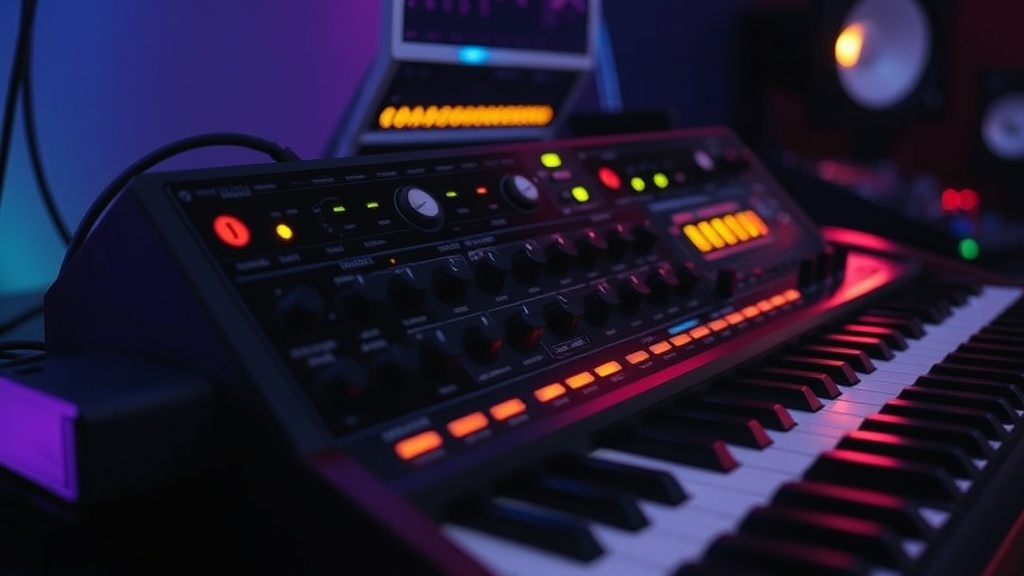
Why Your Analog Synthesizer Sounds Different Than VSTs

The human ear can detect a frequency difference as small as 0.2 Hertz, but the real mystery lies in why we perceive a $3,000 hardware synth as "warm" while a $200 plugin feels "sterile." While digital modeling has reached a point of near-perfection, the physical reality of voltage-controlled electronics creates a specific sonic character that software often struggles to replicate. This post examines the structural differences between analog circuitry and digital algorithms to help you understand why your hardware choices affect your production output.
Is Analog Synthesis Actually Better Than Digital Plugins?
It isn't about being "better" in a vacuum; it's about the way electricity behaves. In an analog synthesizer, the oscillators are driven by voltage-controlled oscillators (VCOs). These components are susceptible to temperature shifts, component aging, and even the slight fluctuations in your studio's power grid. This results in organic instability. When two analog oscillators are slightly out of tune with one another, they create a natural, drifting movement that feels alive.
Digital Virtual Studio Technology (VST) operates on a mathematical foundation. A digital oscillator calculates a waveform based on a precise algorithm. Even when a developer adds a "drift" or "noise" function to simulate analog instability, it is still a calculated, predictable pseudo-randomness. The hardware-based randomness of a real Moog or Prophet is unpredictable by nature. This lack of precision is exactly what gives analog gear its grit and texture. If you've ever felt like your digital leads are too "perfect," it's likely because they lack these microscopic imperfections.
The Role of Voltage Control and Filter Resonance
The way a filter behaves is perhaps the most significant differentiator. An analog low-pass filter—like the famous ladder filter found in many classic synthesizers—reacts to input gain in a non-linear way. When you push the resonance, the circuit often introduces subtle saturation or even slight distortion. This is a byproduct of the voltage hitting the limits of the circuitry. In a digital environment, a filter is a mathematical function that subtracts frequencies. Unless the developer has specifically modeled the non-linear behavior of the analog hardware, the filter will remain mathematically clean, which can sound thin or hollow during aggressive modulation.
- Analog: Real-time voltage manipulation, unpredictable resonance, organic drift.
- Digital: High precision, perfect stability, mathematical frequency subtraction.
For those looking to study the mathematical side of how waves are constructed, the Sound on Sound archives provide deep dives into signal processing theory. Understanding the difference between a sine wave and a complex digital approximation is the first step to better sound design.
How Do Digital Oscillators Mimic Analog Warmth?
Modern software like Xfer Records Serum or Arturia's V Collection uses Wavetable synthesis and high-fidelity modeling to close the gap. They use complex algorithms to simulate the way analog components behave under stress. This is often referred to as "analog modeling." They aren't just playing a recording of a synth; they are attempting to simulate the physics of the electronics. However, even the best models are limited by the CPU's ability to process real-time fluctuations.
One major reason digital sounds "cleaner" is the lack of a noise floor. Analog circuits have a constant, low-level hiss—a byproduct of the components themselves. While some might call this a flaw, many producers use this subtle noise to fill the frequency spectrum, making the sound feel more "present." A common trick is to layer a subtle analog noise generator behind a digital synth to break up the digital perfection. You can find excellent examples of high-fidelity digital synthesis-driven music by exploring the works of artists on Pitchfork, who often balance digital precision with textural depth.
The Impact of Aliasing and Sample Rates
Digital audio is quantized. This means that every sound is broken down into discrete samples. If a digital oscillator produces frequencies higher than the Nyquist frequency (half the sample rate), it can create aliasing—unwanted artifacts that sound like digital harshness. Analog hardware doesn't have this problem because it exists in a continuous signal path. While modern high-quality plugins use oversampling to prevent this, the inherent "smoothness" of an analog signal is a physical reality that digital-to-analog converters (DACs) are constantly trying to replicate.
"The warmth of analog isn't just a marketing term; it's the sound of mathematical imperfection being embraced as a creative tool."
If you are building a studio, you don't need to replace your DAW with hardware. Instead, use the hardware for the fundamental textures and the software for the precision and flexibility. A hybrid approach—using an analog synth for your bass and a digital plugin for complex, high-frequency textures—is often the most effective way to build a professional-sounding track.
Can You Achieve Analog Texture Using Only Software?
Yes, but it requires more work. You can't just turn on a plugin and expect a Moog to appear. To get that analog feel in a digital workspace, you must introduce controlled instability. This means using LFOs (Low Frequency Oscillators) with very small amounts of depth to slightly modulate the pitch. You should also look for plugins that offer "saturation" or "drive" modules. These tools add the non-linear harmonic content that defines analog sound.
A common mistake is over-processing. Digital plugins can be incredibly powerful, but if you use too many, the signal becomes brittle. To keep things sounding organic, try the following:
- Use a subtle, slow-moving LFO to modulate your oscillator pitch.
- Apply a bit of tape saturation to your synth bus to add harmonic warmth.
- Layer a subtle analog-style noise or crackle to fill the empty spaces in the spectrum.
- Avoid perfect quantization in your MIDI; humanize the timing slightly to mimic the feel of a real performer.
By treating your digital tools as if they were physical objects with limitations, you can bypass the "sterile" sound and create something that feels much more alive. The goal isn't to fight the digital nature of your tools, but to use them to build the textures you actually hear in your head.